
CPAP Machines
Setup guides for CPAP and BiPAP machines, mask fitting, and pressure-related configuration.
Sleep TherapyStep-by-step instructions, video tutorials, configuration guides, and quick troubleshooting references for respiratory equipment at home.
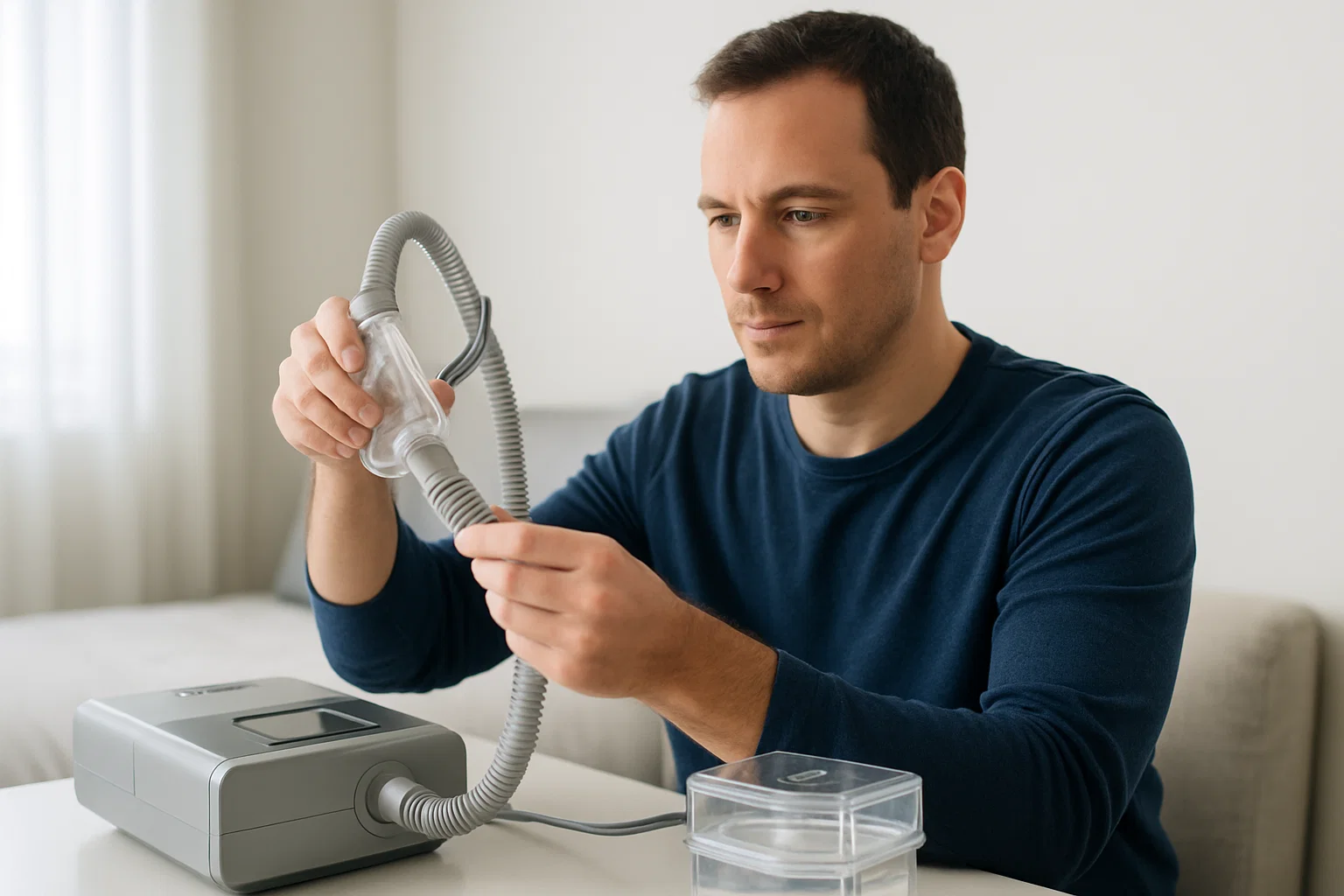
Proper equipment setup is crucial for effective respiratory therapy. VeroHealth's resource library brings together step-by-step videos, configuration guides, maintenance tips, and troubleshooting references for major equipment types.
Whether you are new to therapy or need a refresher, use these resources to review the basics and understand the next step before contacting support.
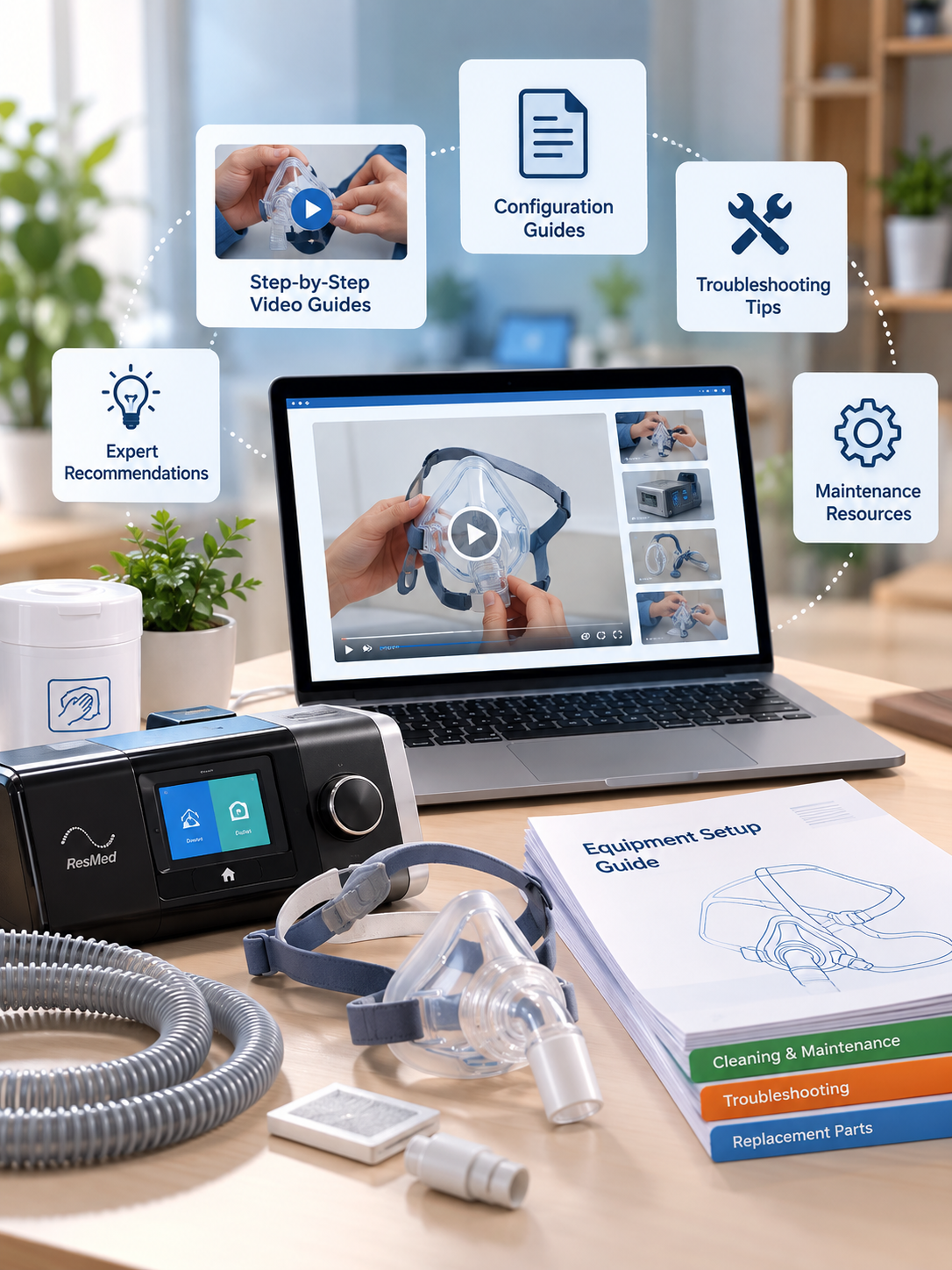
Start with the device type, then move into videos, configuration notes, and troubleshooting references.
Setup guides for CPAP and BiPAP machines, mask fitting, and pressure-related configuration.
Sleep TherapyPortable and stationary concentrator setup, prescribed flow settings, and equipment safety.
Oxygen TherapyAssembly, medication preparation, treatment setup, and cleaning guidance for nebulizer equipment.
Medication DeliveryHome ventilator setup, circuit assembly, alarm guidance, and emergency procedure references.
VentilationUse these short demonstrations to review common equipment setup and fitting steps.
 1:02
1:02
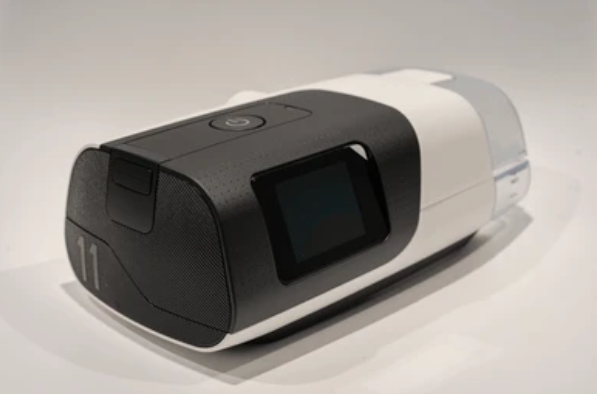
Get familiar with the AirSense 11 CPAP machine, from unboxing to daily use, including pressure settings, humidity control, and smart features.
 0:54
0:54
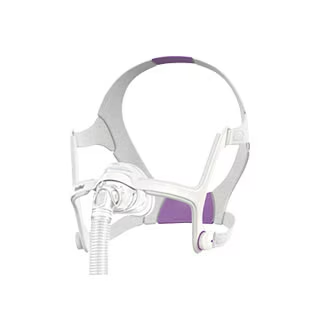
Review how to fit the AirFit N20 Classic mask, adjust the headgear, and create a comfortable seal for sleep therapy.
 1:28
1:28
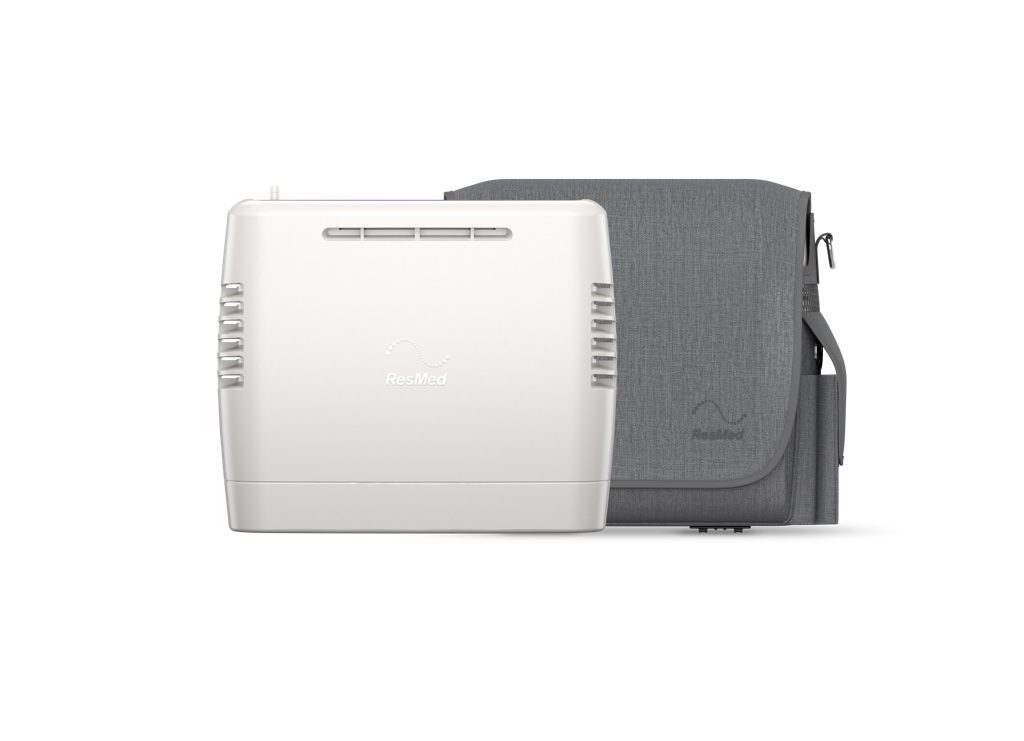
Step-by-step guide to setting up the ResMed Mobi Portable Oxygen Concentrator, reviewing flow settings, and understanding key safety features.
 3:08
3:08
Specific setup instructions for the ResMed AirSense 10 CPAP machine, including humidifier configuration.
Use these guides to review equipment settings, flow-related information, and alarm configuration topics.
Review pressure ranges, ramp settings, and auto-adjusting features for CPAP and BiPAP equipment.
Reference prescribed flow settings, activity-related considerations, and safety notes for oxygen concentrators and nebulizers.
Understand common alarm categories for ventilators and monitoring equipment so the right alert gets the right response.
Use these practical reminders to stay organized, keep equipment ready, and identify issues before they disrupt therapy.
Essential reminders for getting equipment ready and documenting the setup.
Simple routines that help support consistent equipment performance.
Use these common checks as a first reference, then contact VeroHealth if the issue continues.
Our respiratory support team can help with setup questions, equipment use, troubleshooting, and the next steps for keeping therapy on track.